Redesign Project: City Parking App

Redesigning a city parking app to improve usability, accessibility, and real-time awareness.

Role

UX/UI Designer

Industry

Mobility & Parking Services

Duration

1 months
Stage 1. Usability Audit

The project started with a usability audit of the existing parking app to identify pain points in the user flow. I focused on how users started and stopped sessions, how session status was shown, and how easy it was to access payments and zone details. I also checked readability and accessibility issues. The audit revealed missing visual feedback, poor contrast, and a lack of alerts-factors that often led to overcharges. These insights shaped the foundation for the redesign.

Stage 2. Design Strategy

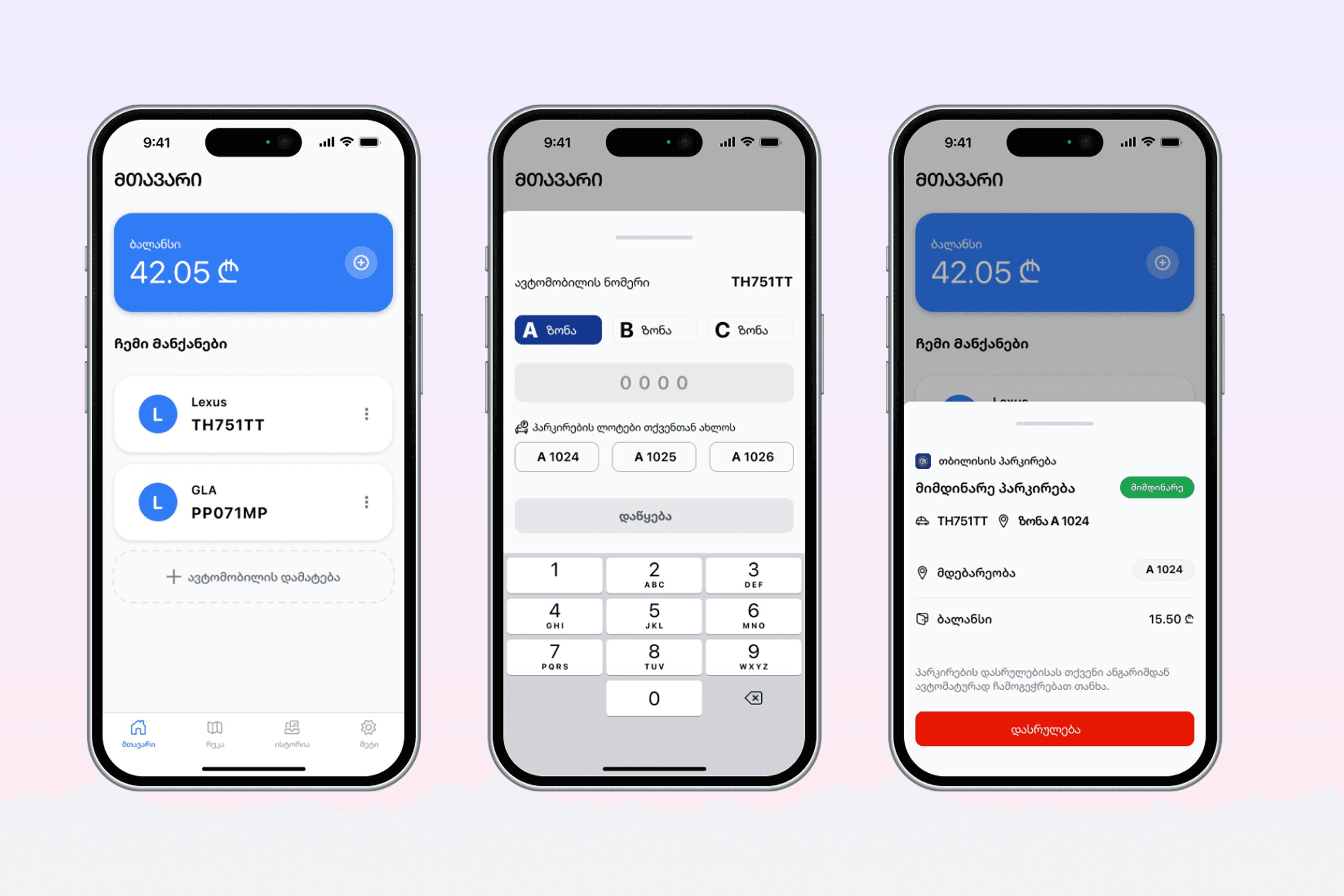
Based on the audit, I set a clear goal: make the app easier to use and harder to forget. I planned to show session status at all times, make stop and extend buttons easy to reach, and add alerts to prevent overcharges. I also aimed to fix contrast issues and clean up the layout.

Stage 3. Prototype Development

Wireframing: I sketched wireframes to explore layout ideas and address issues from the audit—like unclear session status and hard-to-find actions. Using Figma, I built low-fidelity prototypes to test flows for starting, stopping, and selecting zones, keeping everything simple and easy to follow before moving to high-fidelity design.

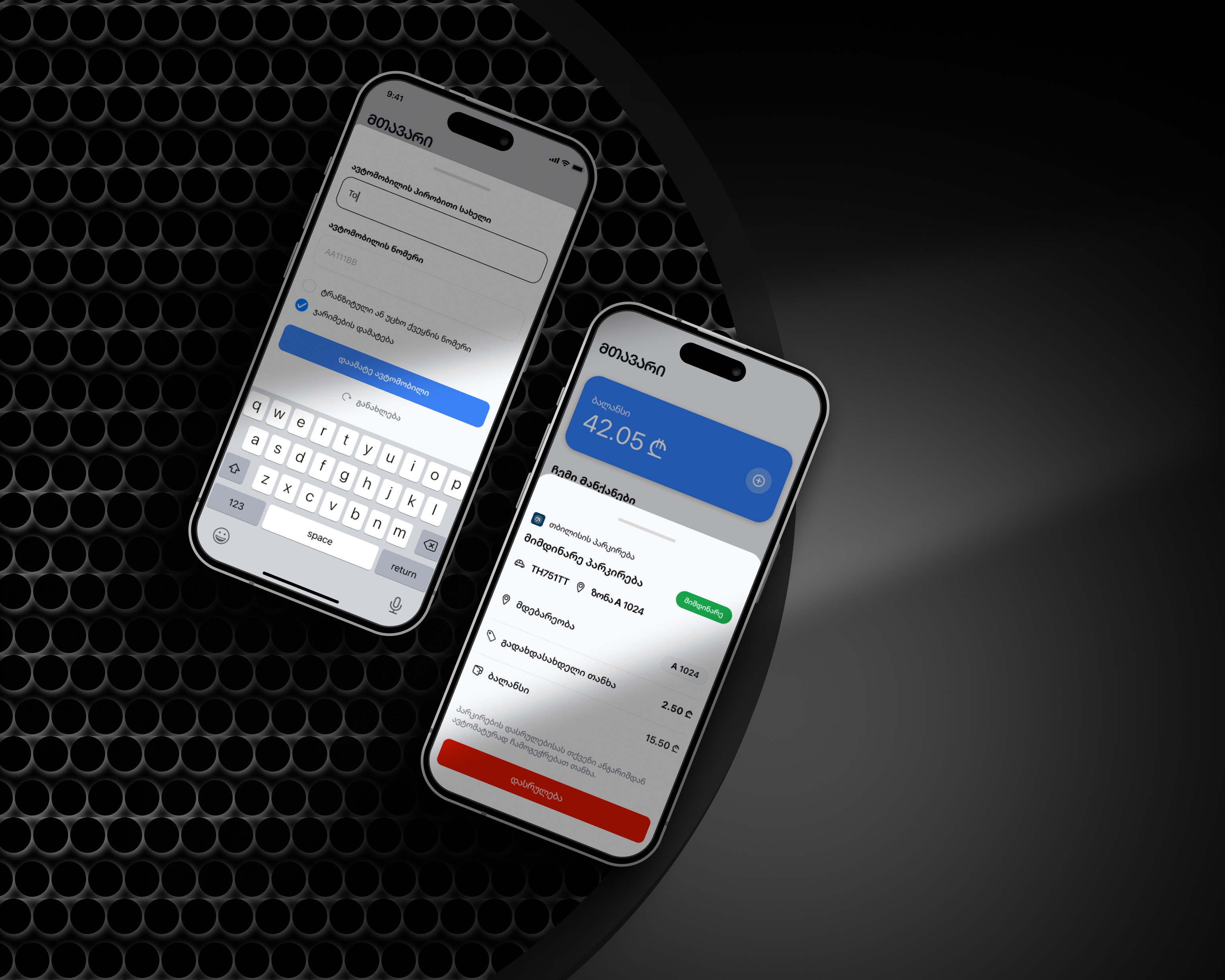
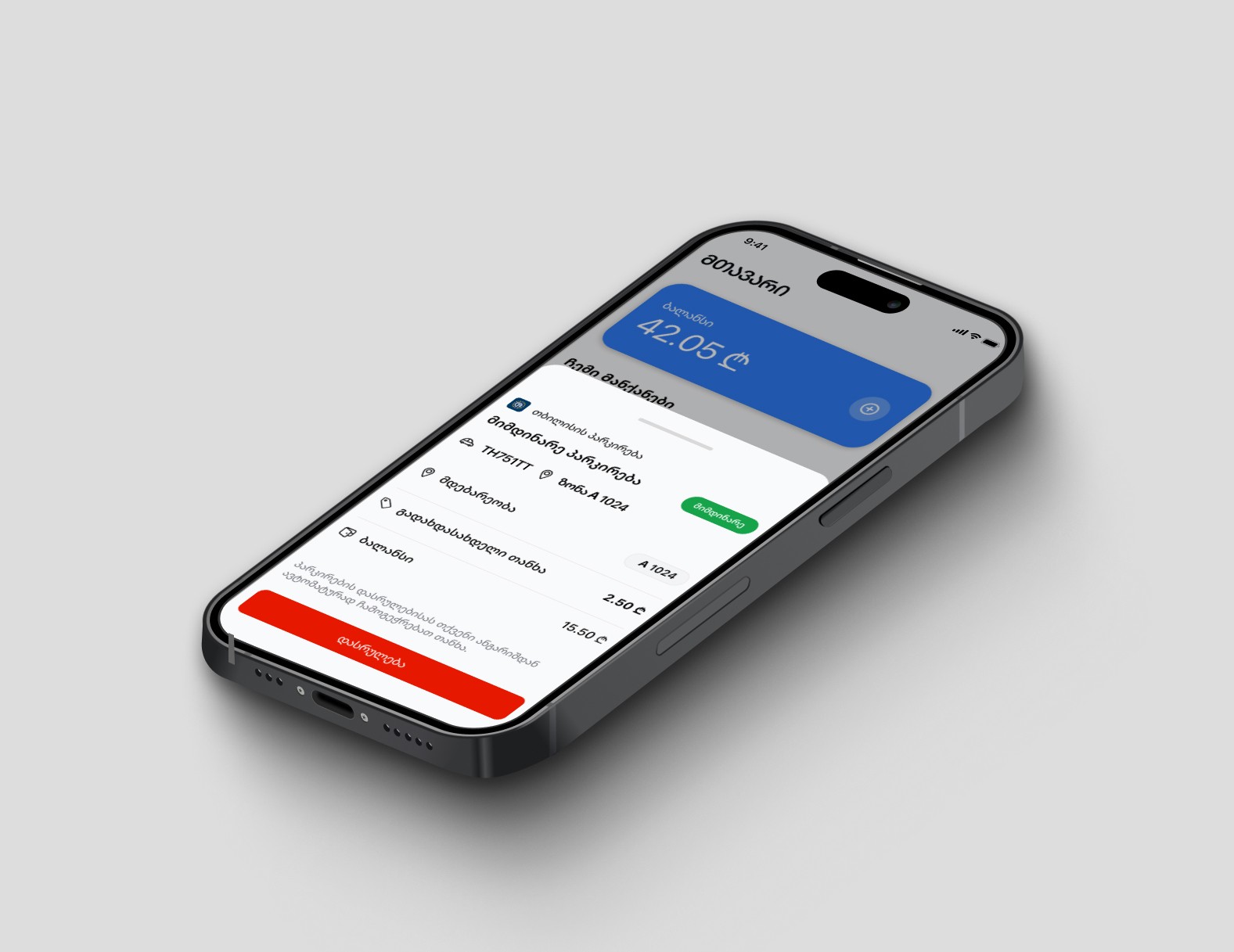
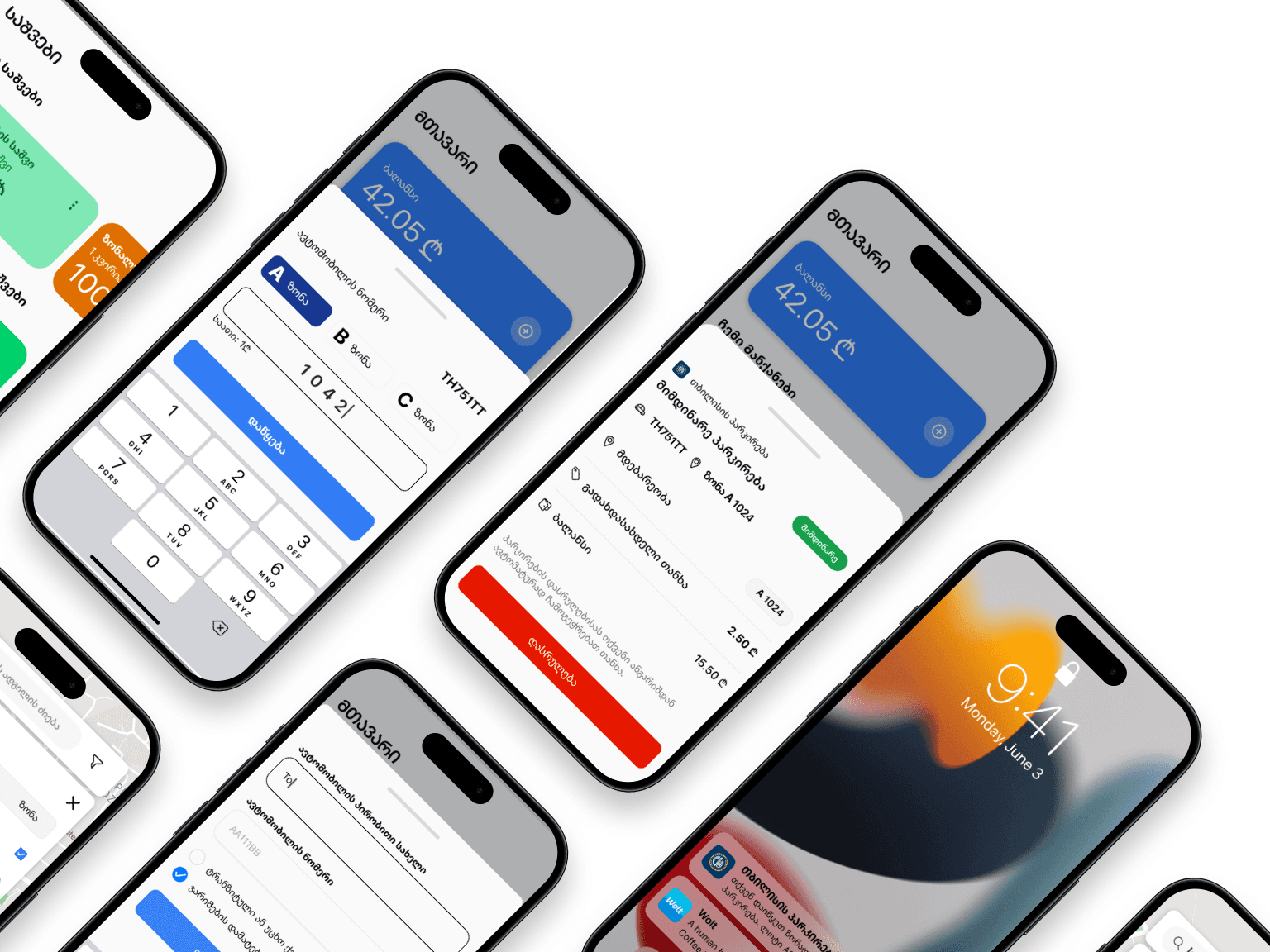
High-Fidelity Prototyping: After finalizing the wireframes, I built high-fidelity prototypes in Figma with a clean, responsive layout, better contrast, and clear feedback for active sessions. Light and dark modes were refined for accessibility, and components were polished to match a modern city app feel.

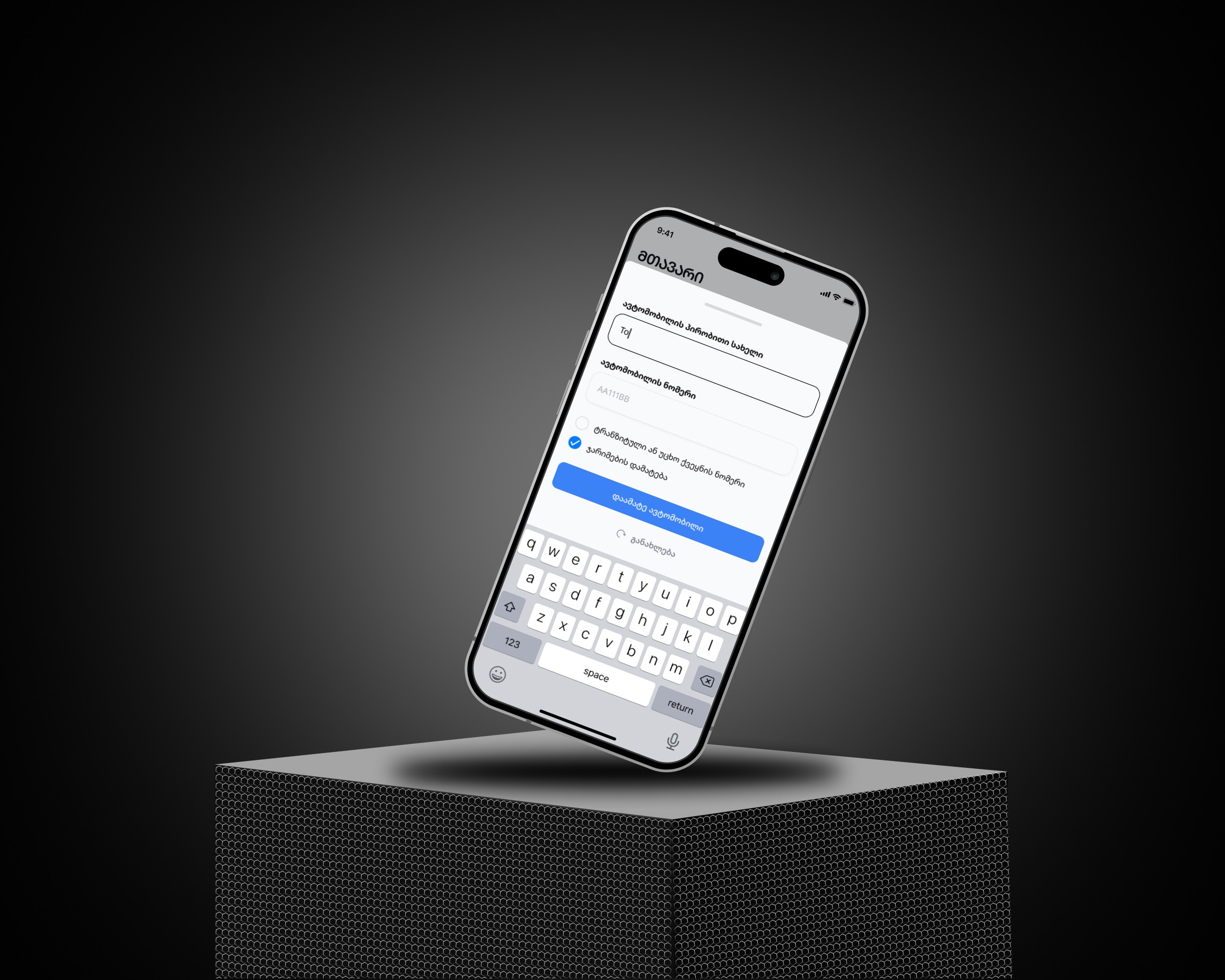
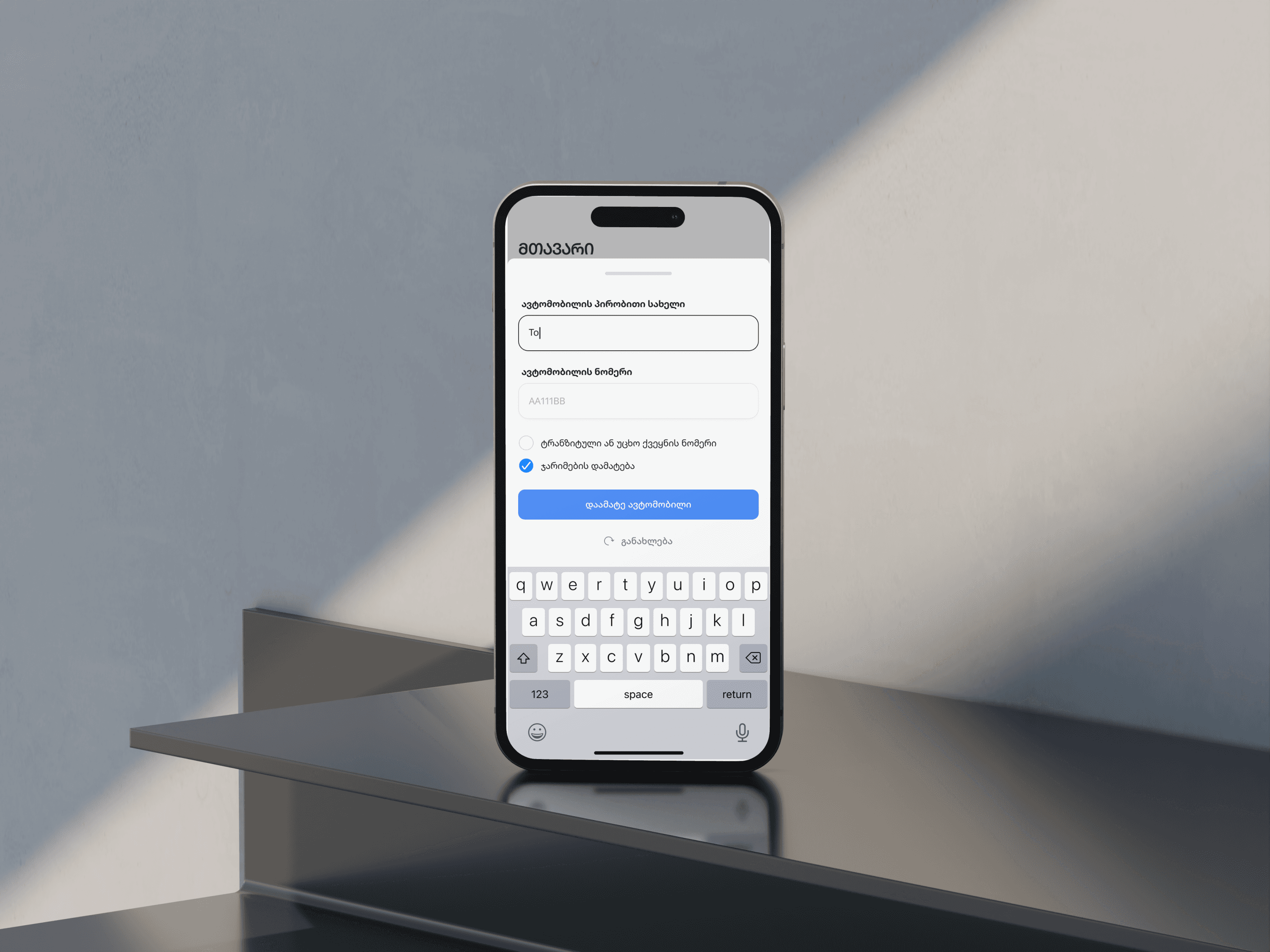
User Interface Design: I designed a clean, easy-to-use interface with clear buttons for key actions like stop and extend. Spacing, contrast, and typography were improved for better readability. Components were built in Figma to support both light and dark modes.

Stage 1. Usability Audit

The project started with a usability audit of the existing parking app to identify pain points in the user flow. I focused on how users started and stopped sessions, how session status was shown, and how easy it was to access payments and zone details. I also checked readability and accessibility issues. The audit revealed missing visual feedback, poor contrast, and a lack of alerts-factors that often led to overcharges. These insights shaped the foundation for the redesign.

Stage 2. Design Strategy

Based on the audit, I set a clear goal: make the app easier to use and harder to forget. I planned to show session status at all times, make stop and extend buttons easy to reach, and add alerts to prevent overcharges. I also aimed to fix contrast issues and clean up the layout.

Stage 3. Prototype Development

Wireframing: I sketched wireframes to explore layout ideas and address issues from the audit—like unclear session status and hard-to-find actions. Using Figma, I built low-fidelity prototypes to test flows for starting, stopping, and selecting zones, keeping everything simple and easy to follow before moving to high-fidelity design.

High-Fidelity Prototyping: After finalizing the wireframes, I built high-fidelity prototypes in Figma with a clean, responsive layout, better contrast, and clear feedback for active sessions. Light and dark modes were refined for accessibility, and components were polished to match a modern city app feel.

User Interface Design: I designed a clean, easy-to-use interface with clear buttons for key actions like stop and extend. Spacing, contrast, and typography were improved for better readability. Components were built in Figma to support both light and dark modes.

Stage 4. User Feedback & Refinement

I shared the high-fidelity prototype with a small group of users to gather feedback on clarity, ease of use, and overall flow. Users responded well to the cleaner layout and clearer session controls but pointed out areas where labels or button placement could be improved. Based on this input, I adjusted spacing, refined language, and improved visual hierarchy to make key actions more obvious and reduce confusion.

Stage 5. Implementation & Handoff Preparation

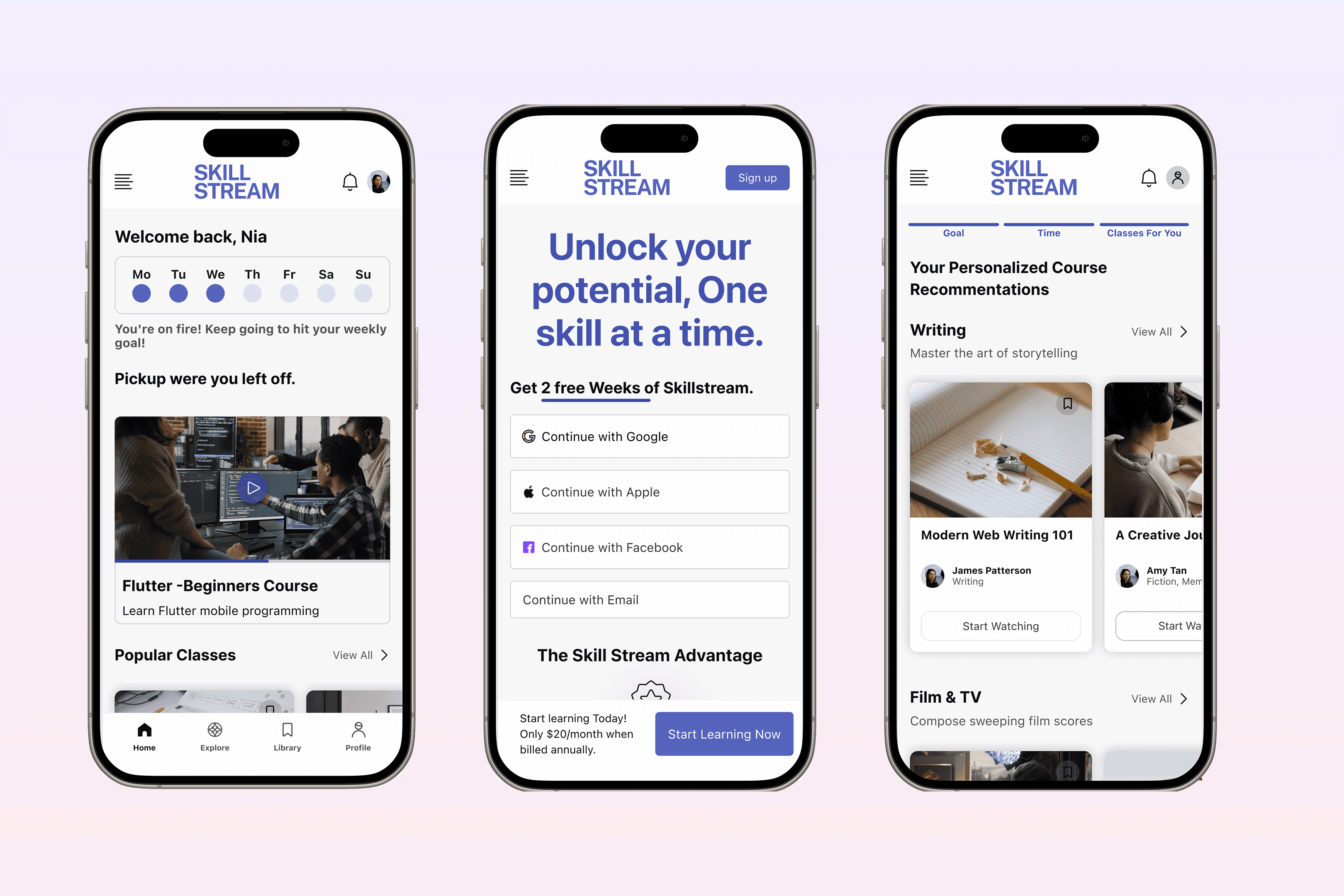
Since this project was created for my portfolio, it hasn’t been developed yet. However, the design is fully ready for handoff. I organized components, screens, and flows in Figma and added notes for spacing, states, and interactions. The system supports both light and dark modes, and the prototype covers the full learning experience from onboarding to progress tracking. It’s ready to be shared with developers or tested further.
Outcomes

The design focused on making online learning feel more manageable and structured. By using short videos, progress tracking, and a clean layout, the app supports users in staying focused and motivated. Key flows were tested and refined, and the design is now fully prepared for handoff.


Before

After

Learning Flow

Unclear path, hard to stay on track

Step-by-step progress with clear goals

Content Overload

Too many options, no guidance

Short videos with topic filters and smart suggestions

Progress Tracking

Often missing or hard to find

Always visible with clear visual indicators

Visual Design

Busy interfaces, too much text

Clean layout with focus on video and action

Motivation & Focus

Users felt lost or unmotivated

Clear feedback, milestones, and light/dark modes

Outcomes

The design focused on making online learning feel more manageable and structured. By using short videos, progress tracking, and a clean layout, the app supports users in staying focused and motivated. Key flows were tested and refined, and the design is now fully prepared for handoff.


Before

After

Learning Flow

Unclear path, hard to stay on track

Step-by-step progress with clear goals

Content Overload

Too many options, no guidance

Short videos with topic filters and smart suggestions

Progress Tracking

Often missing or hard to find

Always visible with clear visual indicators

Visual Design

Busy interfaces, too much text

Clean layout with focus on video and action

Motivation & Focus

Users felt lost or unmotivated

Clear feedback, milestones, and light/dark modes

Other projects

Copyright 2024 by Nia Siradze

Copyright 2024 by Nia Siradze

Copyright 2024 by Nia Siradze

Create a free website with Framer, the website builder loved by startups, designers and agencies.